The feeds
One per show. Copy and paste.
Each of these is generated from this site, so it is always in step with what is published here. Every episode carries its audio, its length and its description.
RSS feeds
Paste one of these into any podcast app and it will fetch new episodes for as long as we keep publishing them. No account, no tracking redirect, no company deciding what you see.
The feeds
Each of these is generated from this site, so it is always in step with what is published here. Every episode carries its audio, its length and its description.
If you have never used a feed
Why we bother
A platform can delist a show, change what it recommends or disappear. A feed is a text file at an address we control. If we ever move, we redirect it and nothing on your end breaks.
There is no tracking redirect in front of the audio. Your app asks our server for the file and gets the file. We know an episode was downloaded and nothing else, which is all a podcast has ever actually needed to know.
Apps that work well
Pocket Casts, Overcast and AntennaPod all take a pasted feed in about four taps. AntennaPod is free and open source, if that matters to you.
Apple Podcasts on a Mac takes a URL from the File menu. On Windows or Linux, gPodder is unglamorous and never breaks.
A feed is a feed. If you read it in a news reader or pull it into a script, that is a use we like rather than one we tolerate.
Or read it
The whole catalogue is transcribed and searchable on this site — useful when you want to quote something, or when the sound has to stay off.
Feed details
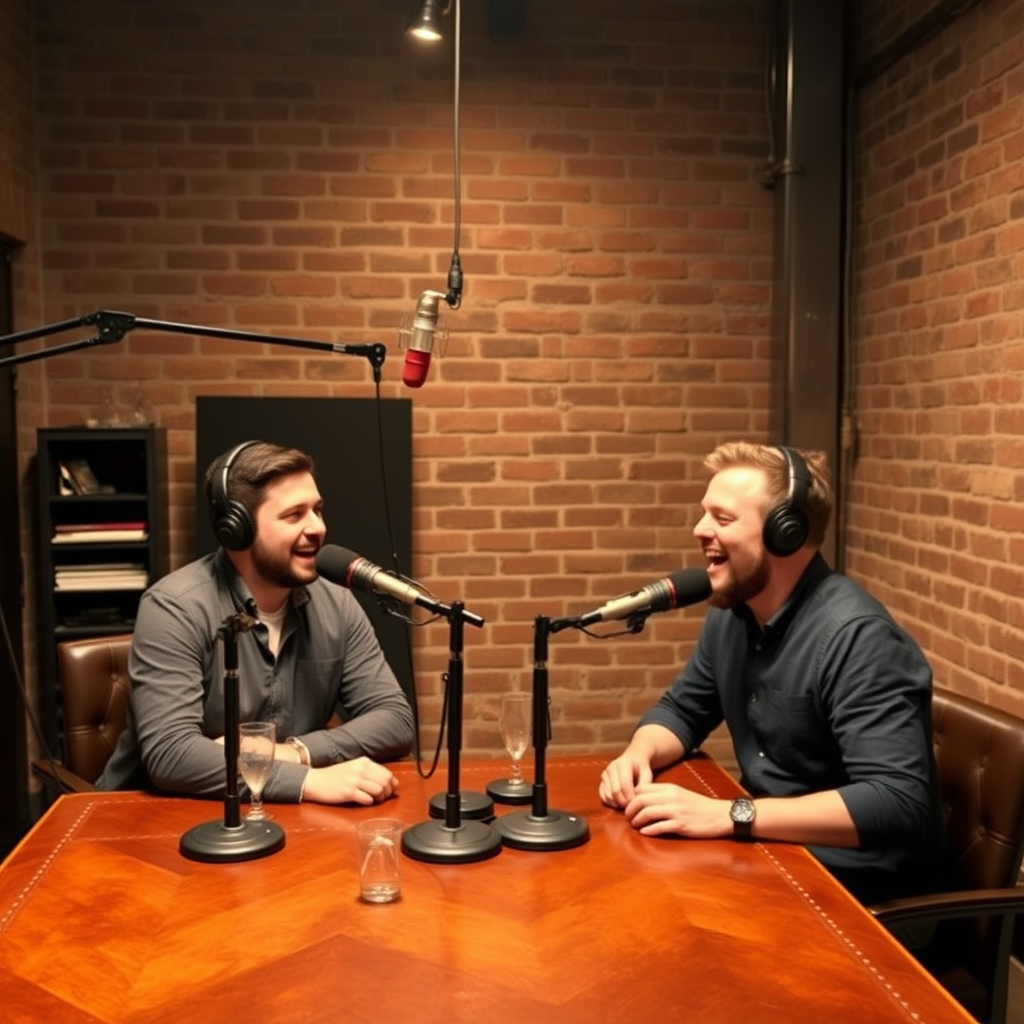
Eight shows, recorded in person. Everything published here is also transcribed.